
preserving your story
heirlooms to return to
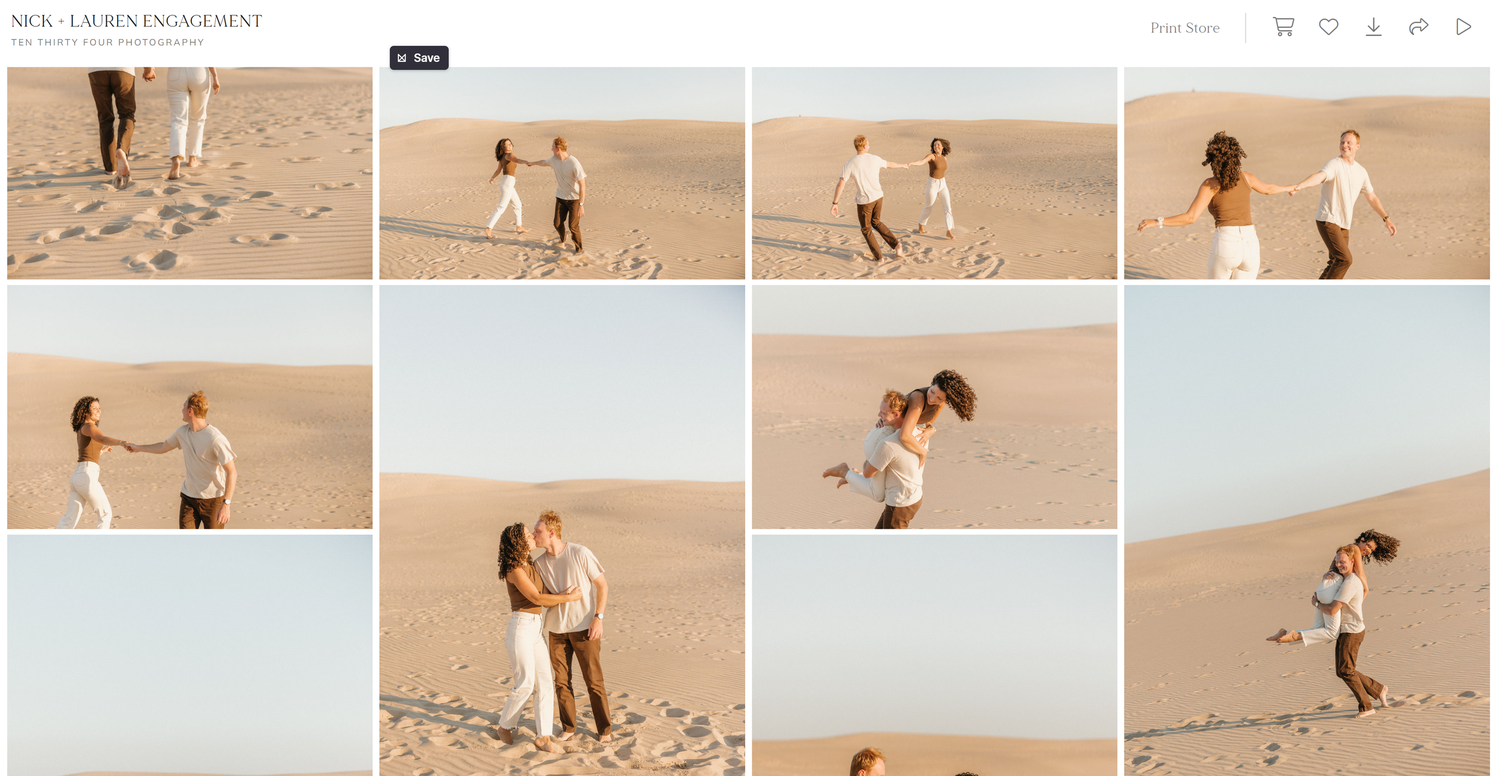
Downloading your finished gallery is one of the most rewarding parts of the experience - second only to seeing your photographs for the first time.
Your images can be downloaded easily from either your phone or computer, and the process is the same on both.
When your gallery is ready, you’ll receive an email from Ten Thirty Four Photography with a link and a unique download code. Following the link will take you directly to your gallery, where you’ll begin the download process and create custom 'favorite' lists.
No. 01
Open the link in your email to access your personal gallery and enter your email and unique download pin.

No. 02
In gallery view, you have the option to download your entire gallery or individual images. Get started by clicking the down arrow icon in the upper right corner.
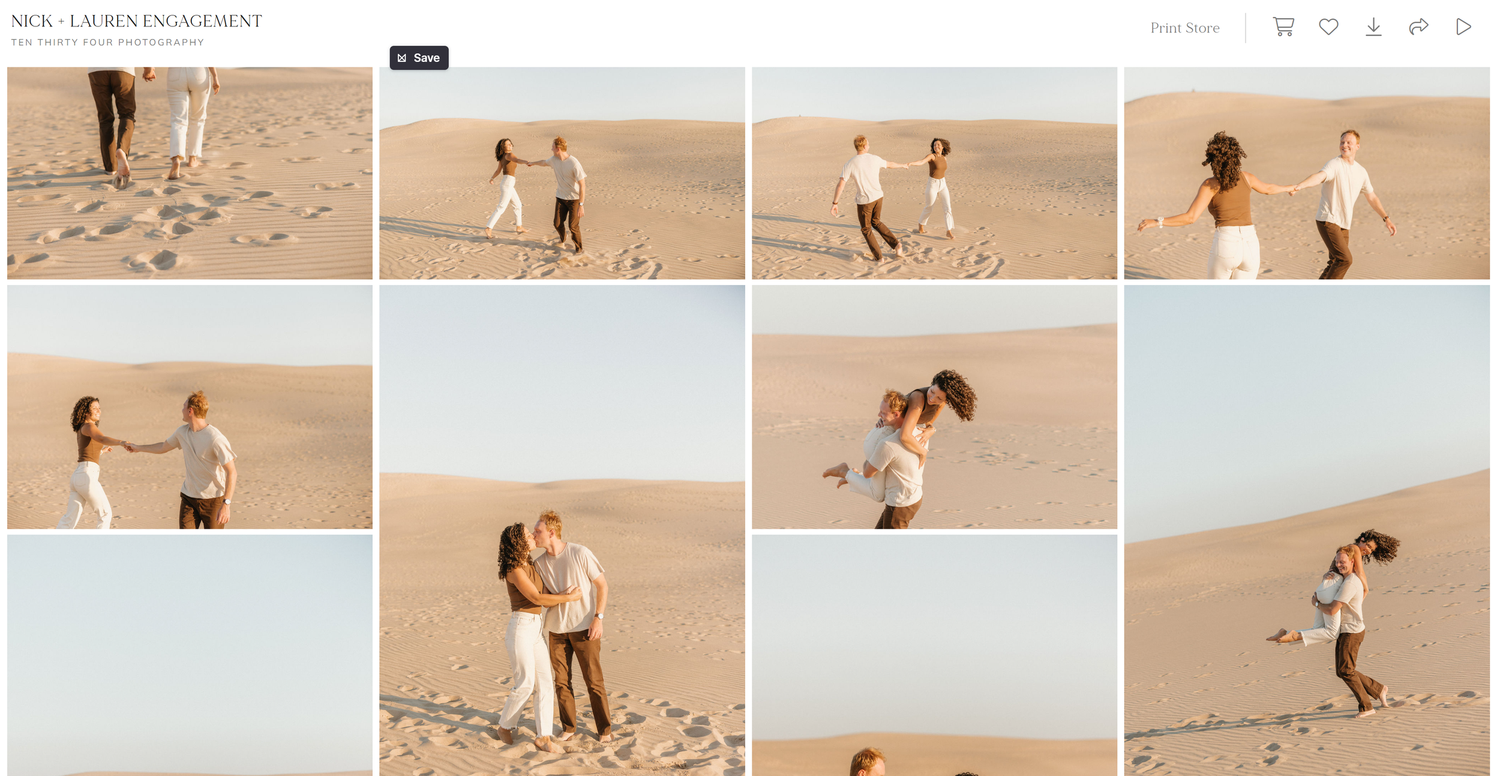
no. 03
Select the portion of your gallery you would like to download and choose your download size and where you would like to store your images. Click download.
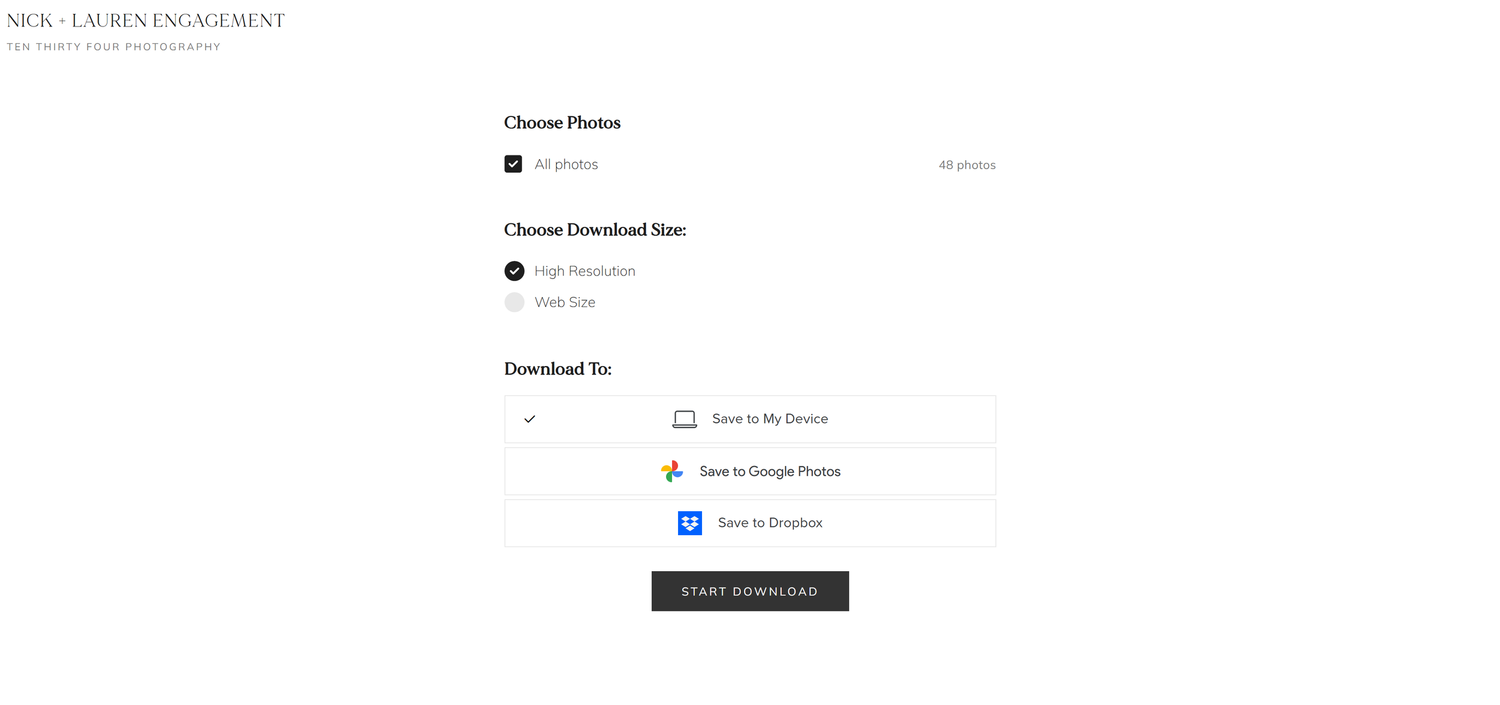
no. 04
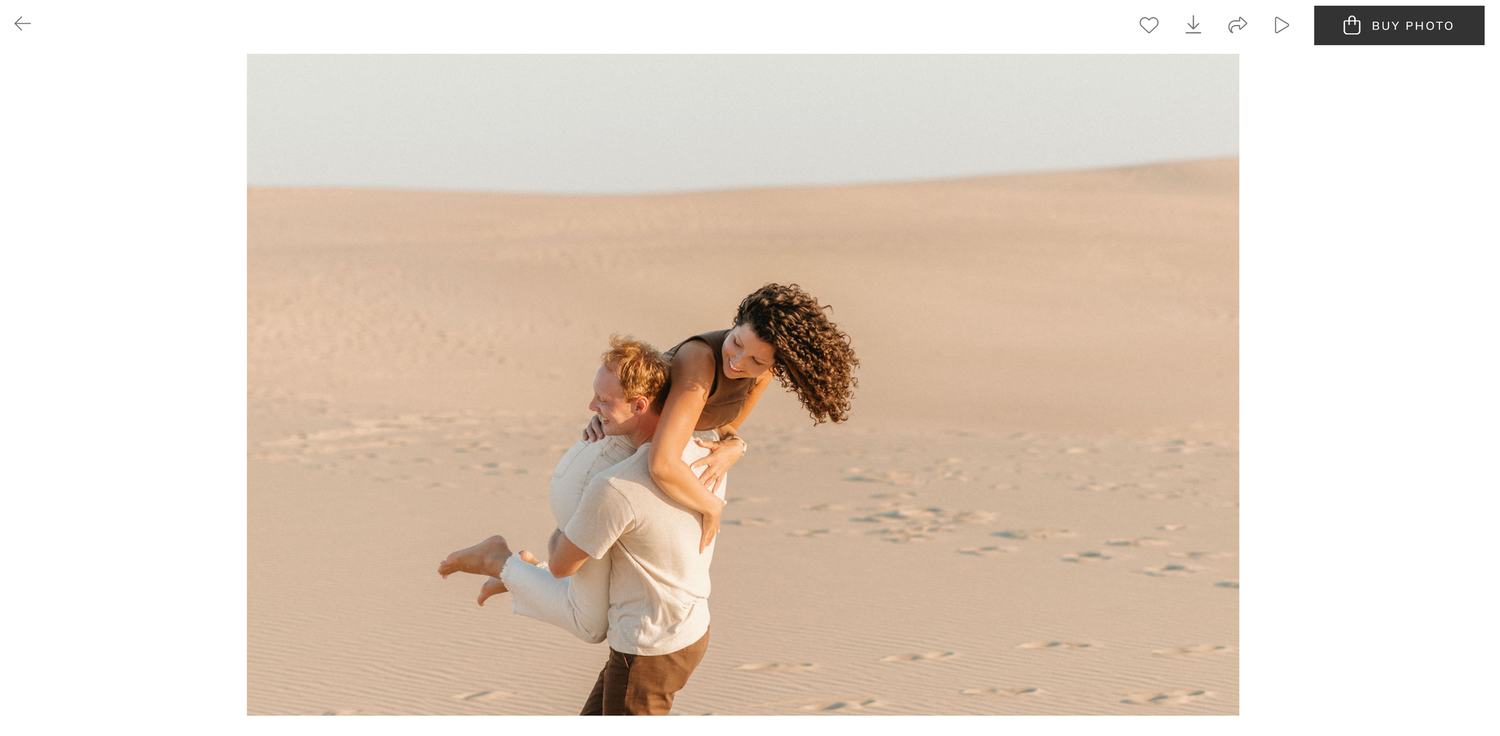
As you're viewing your gallery, you can also download each image separately.
If you would prefer to download individual images at a time, click the down arrow icon in the upper right corner. This will prompt a screen to choose your resolution and storage destination.
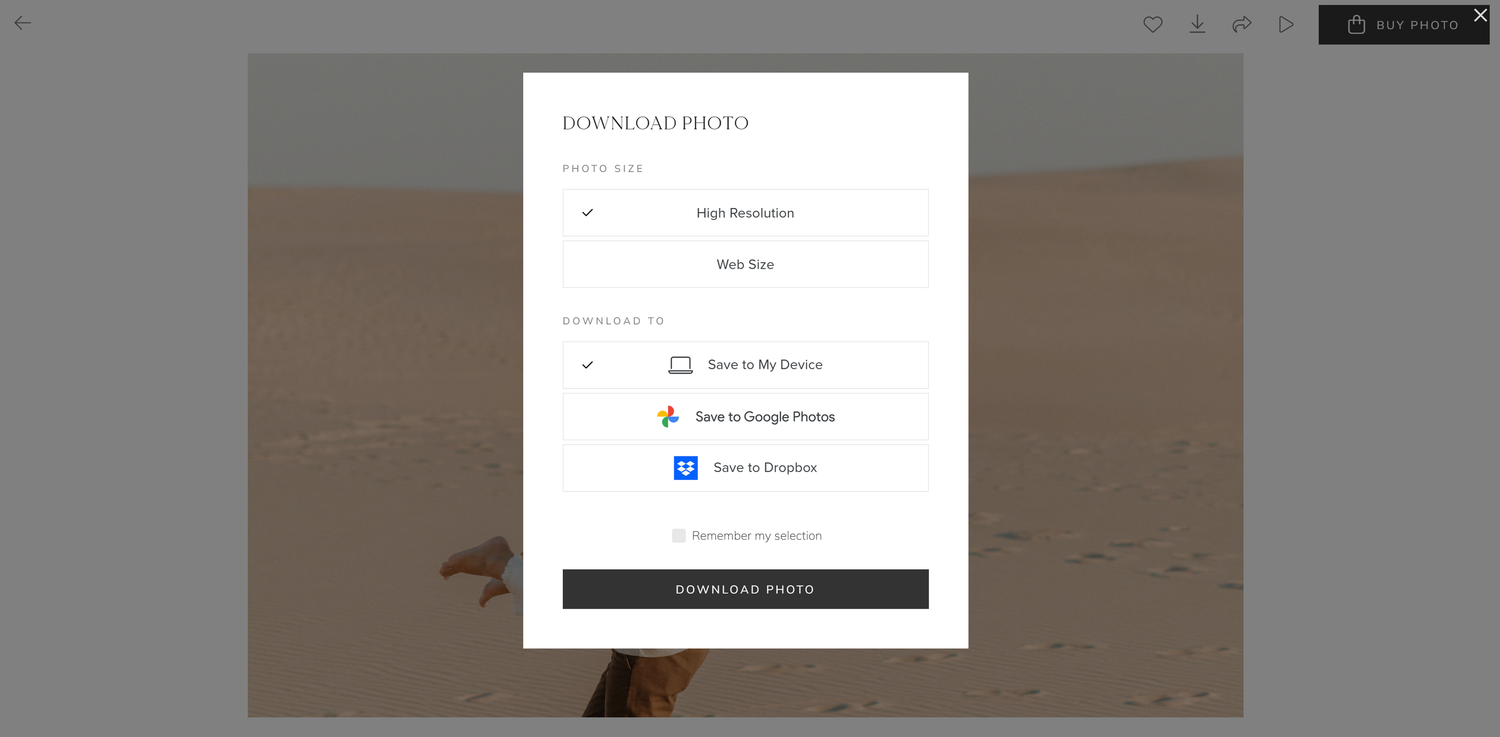
Choosing Favorites

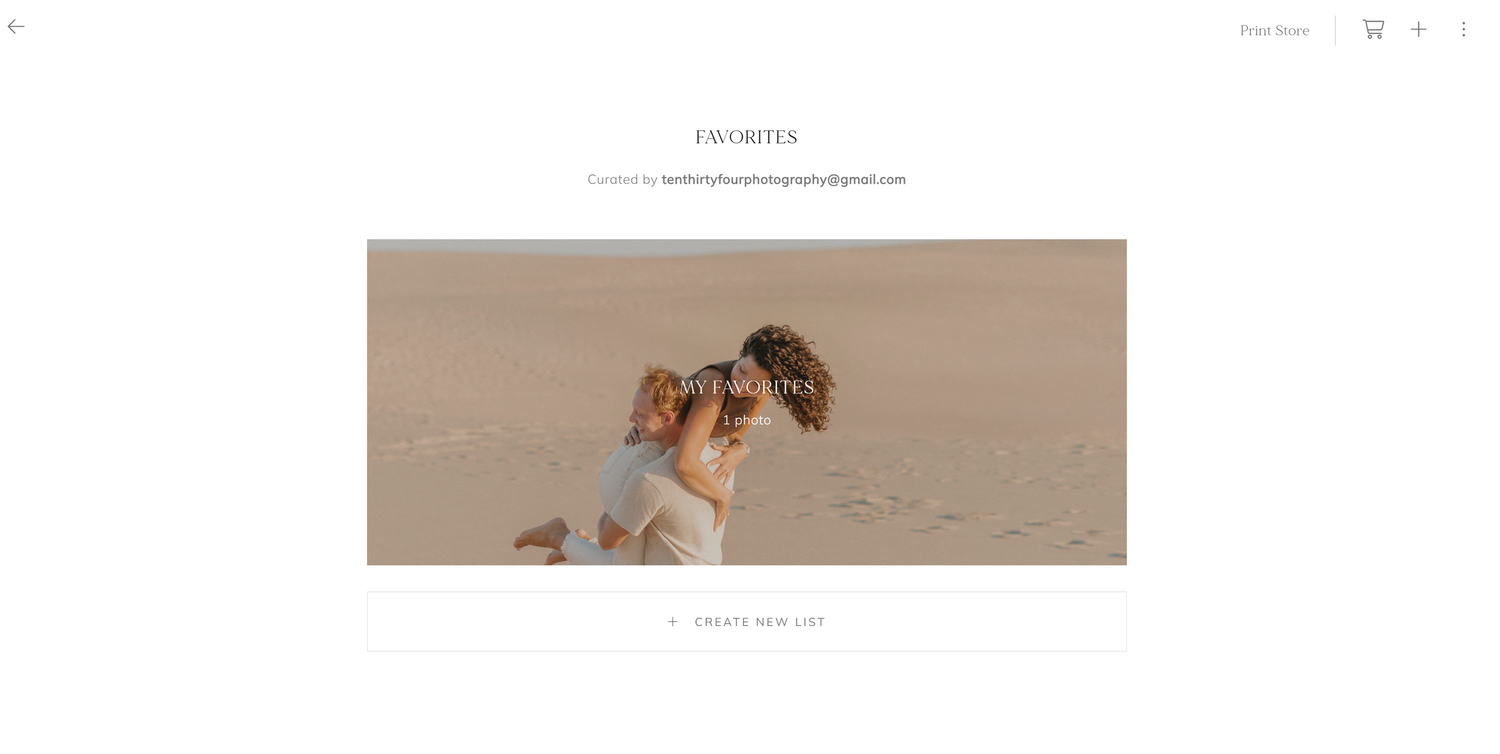
To create a new favorites list, select the heart icon in the upper right corner to start custom organizing your images. Lists can be created to reflect your favorites or further tailored to create lists to share with friends and family or to make and order prints.
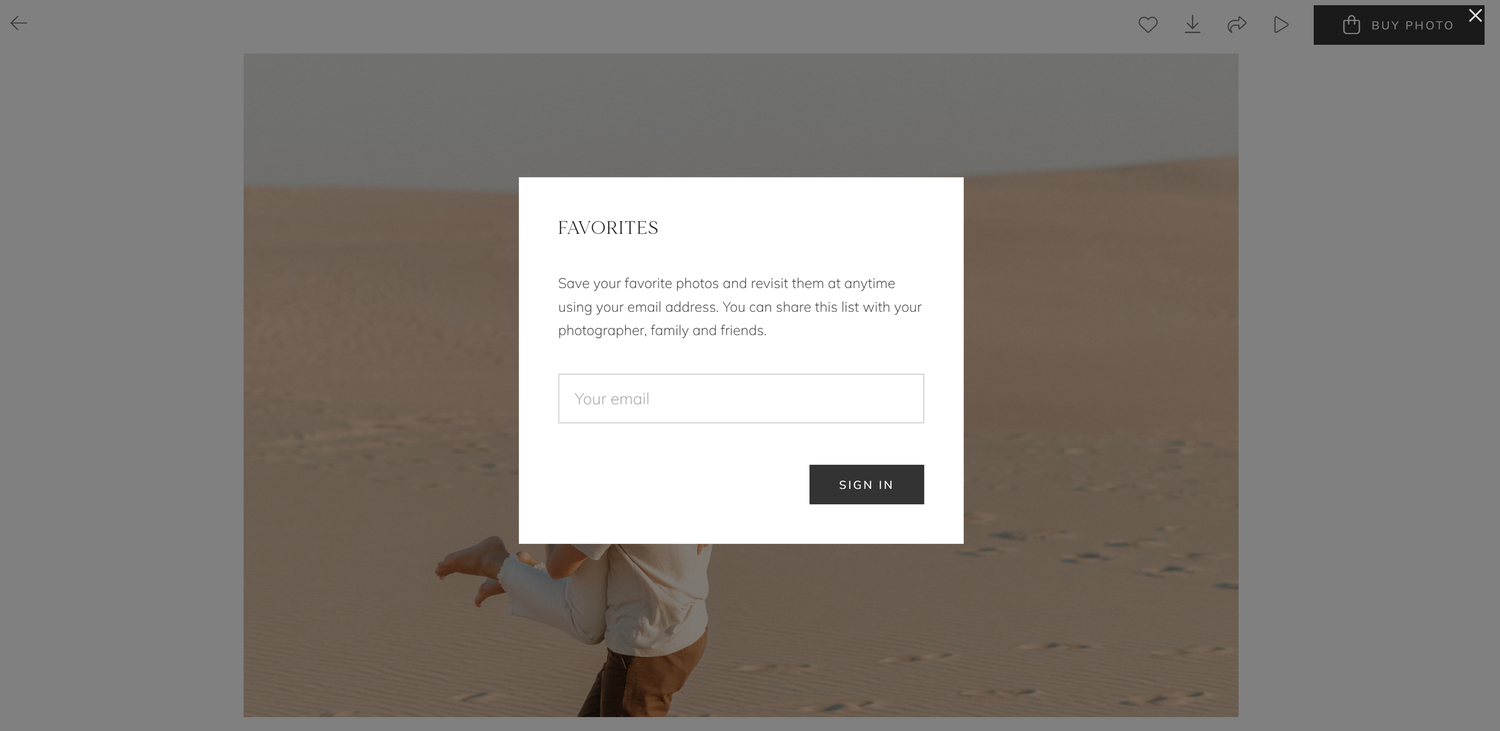
Create custom favorite lists by creating a new list.
ways to preserve your story
Fine Art Prints
Wedding Albums
Framed Artwork
Thank you for including me in telling your story and sharing in your celebration.
-Elizabeth